
Most people shopping for a projector for Fifa make the same mistake - they chase whatever listing screams the biggest brightness number or the cheapest "gaming" label. That usually ends badly. For fast, competitive play, Fifa exposes weak projectors fast: motion blur looks messy, input delay feels obvious, and poor brightness turns a match into a washed-out green rectangle.
If your goal is simple - big-screen soccer that feels responsive, sharp, and easy to set up - you need to ignore marketing fluff and focus on the few specs and setup choices that actually change the experience.
What Fifa demands from a projector
Fifa is not the same as watching a movie. A film can hide some lag and softness because you are sitting back and passively viewing. Fifa cannot. You are reacting constantly, reading player movement, tracking through balls, and making split-second passes. If a projector has sluggish input response or poor motion handling, you will feel it.
The image also needs to stay clean during quick camera pans. Soccer games put a lot of pressure on a display because the field is one large, bright surface with constant movement. Weak contrast can flatten the image. Bad color tuning makes the pitch look unnatural. Low real brightness can make daytime or living room play frustrating unless the room is heavily darkened.
That is why buying for use case matters more than buying from a spec sheet. Bedroom gaming, living room gaming, and office or event play all need different levels of brightness, placement flexibility, and sound.
The biggest myths around a Fifa projector setup
The first myth is that more advertised lumens always means a better image. It does not. Inflated brightness claims are everywhere, especially on low-cost models. Real-world brightness, image quality, and color accuracy matter together. A projector can claim a huge number and still look dim, ugly, and unusable once you actually put a match on screen.
The second myth is that resolution is everything. Yes, a sharper image helps. But for Fifa, response time and motion clarity often matter just as much as pixel count. A projector with good processing and low input lag will usually feel better to play on than a sharper projector with noticeable delay.
The third myth is that any blank wall is good enough. Technically, yes, an image will appear. But if you want the field to look even, whites to stay clean, and contrast to hold up, your screen choice changes more than many buyers expect. In brighter spaces, the difference becomes even more obvious.
What to prioritize before you buy
Start with input lag. If you play casually with friends, moderate lag may be acceptable. If you play online or care about timing, lower lag matters a lot. This is one of the first things many marketplaces gloss over because it is harder to fake than a made-up brightness figure.
Next, think about your room. If you are playing at night in a bedroom or den, you can get away with less brightness and focus more on image quality and portability. If you want to play Fifa in a living room during the day, brightness becomes a much bigger deal, and pairing the projector with the right screen matters just as much.
Placement is the next reality check. Some buyers want a portable projector they can move from room to room. Others want a near-wall or ultra short throw setup that keeps the unit out of the walkway and avoids ceiling installs. Neither is universally better. It depends on your space, cable tolerance, and how permanent you want the setup to be.
Built-in audio is another area where expectations need a reset. For a quick match, decent onboard sound can be fine. For tournament nights or a more cinematic feel, external speakers still make a real difference. The crowd noise, commentary, and impact sounds are part of the fun.
Best room setups for playing Fifa
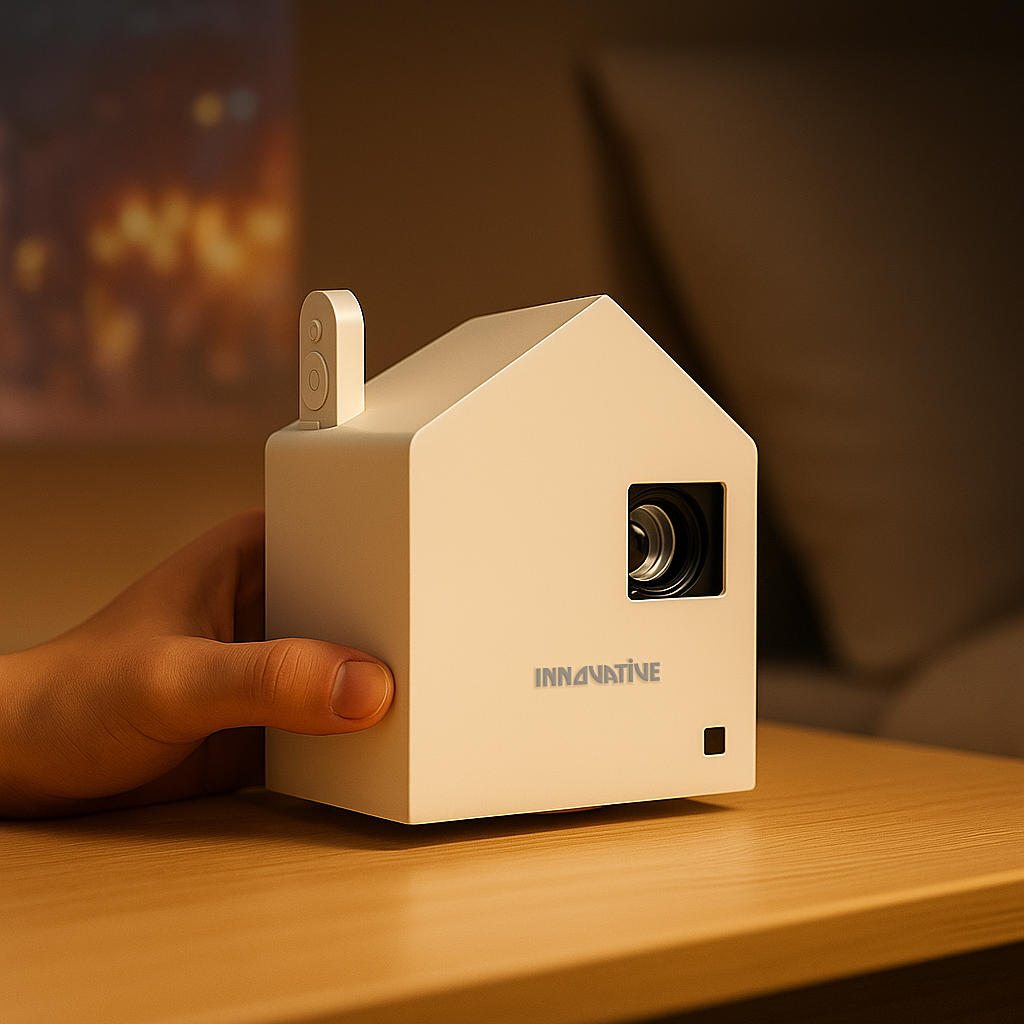
In a bedroom or small apartment, convenience usually wins. A portable wireless projector with battery capability can be a smart fit if you value flexibility and easy setup over maximum brightness. This kind of setup works best at night or in controlled lighting.
In a main living room, the priorities shift. You need enough brightness to handle ambient light, enough image quality to look premium on a larger screen, and placement that does not turn the room into a cable obstacle course. This is where near-wall options and ambient light rejecting screens can make the difference between a setup that gets used and one that becomes a hassle.
For offices, schools, or event spaces, text clarity and brightness matter more because the projector may do double duty. If the same unit is used for presentations during the week and Fifa after hours, look for a model that stays sharp with spreadsheets and slides but still has gaming-friendly responsiveness.
Don’t forget the screen
A projector is only half the picture. If you are playing Fifa on a poor surface, you are handicapping the image before kickoff. Portable screens are great for flexible setups. Fixed or motorized screens make more sense for dedicated rooms. In bright-room situations, an ALR screen can help preserve contrast and make the image more watchable when you cannot fully darken the space.
This is also where a complete buying approach beats random marketplace shopping. Matching the projector to the room, screen, and mounting plan is what produces a setup that feels easy, not improvised.
The smart way to shop for Fifa
Buy for how and where you actually play. If your matches happen at night in a compact room, prioritize portability, low input lag, and clean image quality. If you host friends in a bright living room, prioritize real brightness, better screen pairing, and placement flexibility. If you need one projector for work and play, make sure text clarity is proven, not assumed.
At INNOVATIVE Projectors, this is exactly the point: stop buying fantasy specs and start buying for the room, the use case, and the experience you want once the match starts.