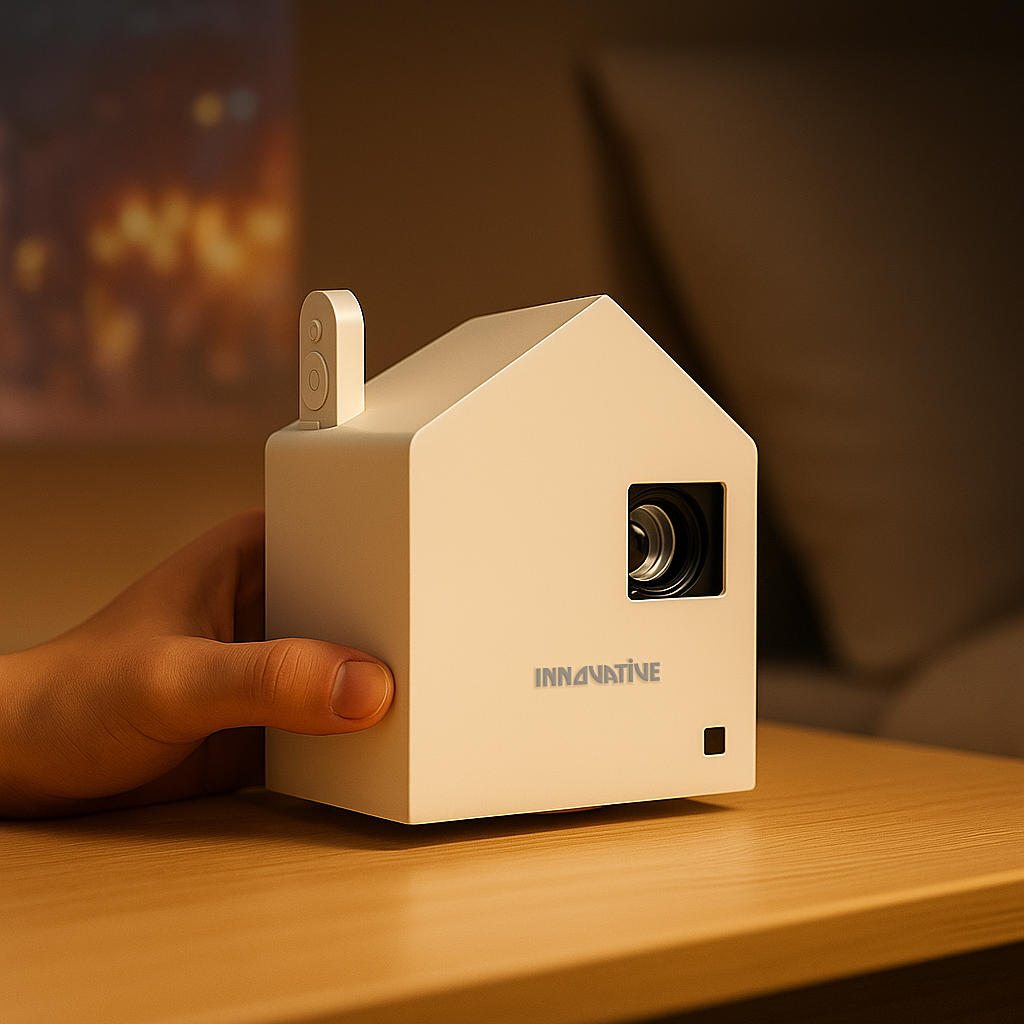

The moment a quiet movie scene starts and your projector sounds like a small hair dryer, the problem stops being “minor.” Fan noise pulls you out of the film, distracts from dialogue, and makes a bedroom or office setup feel cheaper than it should.
The good news is that projector fan noise is usually manageable. The less good news is that not every fix works for every setup. If you are trying to figure out how to reduce projector fan noise, the right answer depends on what is actually making the fan work so hard in the first place - heat, placement, power mode, room design, or in some cases the projector itself.
Why projector fans get loud in the first place
A projector fan is not a flaw. It is a cooling system doing its job. Projectors generate heat from the light source, internal processing, and power components, and that heat has to go somewhere. When temperatures rise, the fan spins faster. Faster fan speed usually means more noise.
This is where buyers often get misled. Some low-cost projectors look appealing on a spec sheet, but poor thermal design, weak airflow, and unrealistic brightness claims can force them to run hotter and louder in real use. A quieter projector is not just about a fan rating. It is often a sign of better engineering.
That also means you should not expect total silence. If a projector is bright enough for a living room, portable enough for a bedroom move, or compact enough for a shelf, there will be some cooling noise. The goal is to reduce it to the point where it fades into the background.
How to reduce projector fan noise without hurting performance
The fastest way to lower fan noise is usually to reduce heat load. That sounds technical, but in practice it often means changing a few settings and correcting the setup around the projector.
Use Eco mode or a lower brightness setting
This is the simplest fix, and it works because the fan follows heat. In brighter modes, the projector pushes the light source harder, which raises internal temperature and makes cooling more aggressive. Switch to Eco mode, Standard mode, or whatever lower-power setting your projector offers, and fan noise often drops immediately.
There is a trade-off. Lower brightness means you need better light control in the room. In a dark bedroom or evening movie setup, that is usually a great trade. In a bright living room or office with lights on, it may not be realistic. If you still need daytime visibility, using a proper screen and better room setup often helps more than forcing the projector into its loudest mode.
Give the projector more breathing room
A projector tucked into a tight cubby, pushed against a wall, or surrounded by soft fabric will almost always run louder. Air intake and exhaust vents need open space. If hot air gets trapped around the chassis, the internal temperature climbs and the fan compensates.
Leave clear space around the sides and rear vents. If the projector is on a shelf, make sure the shelf is not acting like a heat box. If it is ceiling-mounted, check that the mount position is not blocking airflow. This sounds basic, but bad placement is one of the most common reasons a perfectly decent projector sounds harsher than it should.
Move it farther from where people sit
Sometimes the projector is not actually too loud. It is just too close to your ears. A compact projector on a bedside table or coffee table can seem much louder than the same unit mounted behind the seating area.
If your room allows it, increasing the distance between the projector and viewers can make a major difference in perceived noise. Ceiling mounting often helps, and rear-shelf placement can too, as long as ventilation stays open and image geometry still works. In small apartments and bedrooms, this one change can improve comfort more than any menu setting.
Placement matters more than most people think
When customers compare projectors, they often focus on brightness, resolution, or streaming features. All of that matters, but acoustic comfort is heavily tied to setup design. A good projector in the wrong spot can feel worse than a modestly quieter model placed intelligently.
Avoid reflective surfaces around the projector
Hard alcoves, empty shelves, and nearby walls can bounce fan noise back into the room. The projector may not be producing dramatically more sound, but the room is amplifying it.
If you notice a harsh whirring quality instead of just a soft background hum, check the surfaces around the unit. Moving the projector out of a recessed shelf or away from a side wall can help. Soft furnishings in the room can also absorb some of the perceived noise, though you should never place fabric directly against a projector or block vents.
Keep the room cooler
Projectors work harder in hot rooms. If your space gets warm during the day, or if you are running a projector in a small closed room with poor ventilation, fan speed can climb simply because the ambient temperature is high.
Air conditioning, a ceiling fan, or just better room airflow can reduce the projector’s cooling burden. This matters even more in compact spaces where heat builds quickly. It is not glamorous advice, but room temperature has a direct effect on how hard the projector has to cool itself.
Maintenance fixes that are easy to ignore
If a projector has gradually become louder over time, look at maintenance before assuming the unit is failing.
Clean dust from vents and filters
Dust restricts airflow. Restricted airflow means more heat, and more heat means more fan activity. Some projectors have removable filters that need periodic cleaning. Others rely on open vents that can still collect dust around the intake and exhaust areas.
Always follow the manufacturer’s care guidance, and never go digging into the internals unless you know exactly what you are doing. A gentle external cleaning of vents and filters can be enough to restore airflow and lower noise. If your projector is used in a home with pets, carpet, or frequent room-to-room portability, dust buildup tends to happen faster.
Check for unstable surfaces or vibration
Not all “fan noise” is actually from the fan motor. Sometimes the projector is vibrating against a hollow shelf, a loose mount, or a resonant tabletop, which makes the sound seem worse than it is.
Try placing the projector on a more stable surface or tightening the mount hardware. If the table or shelf is the problem, even a small change in placement can reduce vibration noise. This is especially common with lightweight portable models because they transfer movement more easily into furniture.
When the real fix is choosing the right projector
Here is the part many retailers avoid saying plainly: if a projector is badly designed, there is only so much you can do. You can improve airflow, lower brightness, and change placement, but you cannot turn poor thermal management into premium acoustic performance.
That is why real-world testing matters more than marketing noise. A projector built for actual home viewing or office use should balance brightness, image quality, and cooling design in a way that makes sense for the room. If a model needs to scream just to maintain a usable picture, something is off.
This is also where use case matters. A portable bedroom projector, a bright-room family setup, and an office presentation model have different cooling demands. Trying to force a small low-cost unit into a bright daytime room often means max brightness, max heat, and max noise. A better-matched projector can end up feeling quieter simply because it is not being pushed beyond its comfort zone.
For customers comparing setups at Innovative Projectors, this is one reason we focus on real-life categories instead of spec-sheet theater. The quietest experience usually comes from matching the projector to the room, screen size, light level, and placement plan from the start.
FAQs about how to reduce projector fan noise
Is projector fan noise normal?
Yes. Some fan noise is completely normal because projectors need active cooling. What matters is whether the noise is consistent with the projector class and whether it becomes distracting during normal use.
Does Eco mode always make a projector quieter?
Usually yes, but not always dramatically. It depends on how aggressive the cooling profile is and how hot the room is. In most cases, lower light output reduces fan speed.
Can a projector hush box help?
It can, but only if it is designed correctly with safe ventilation. A badly designed enclosure can trap heat and make noise and reliability worse. For most people, placement and airflow fixes are safer and easier.
Should I replace a noisy projector fan?
Only if the fan is faulty and the manufacturer supports that repair path. If the projector has always been loud, replacing the fan may not change much. If it suddenly becomes rattly, uneven, or unusually harsh, service may be worth checking.
If your projector sounds louder than it should, do not start by assuming you need a whole new setup. Start with heat, airflow, and placement. Quiet performance usually comes from smart setup choices, not gimmicks, and the best projector is the one that fits your room well enough that you stop noticing it at all.