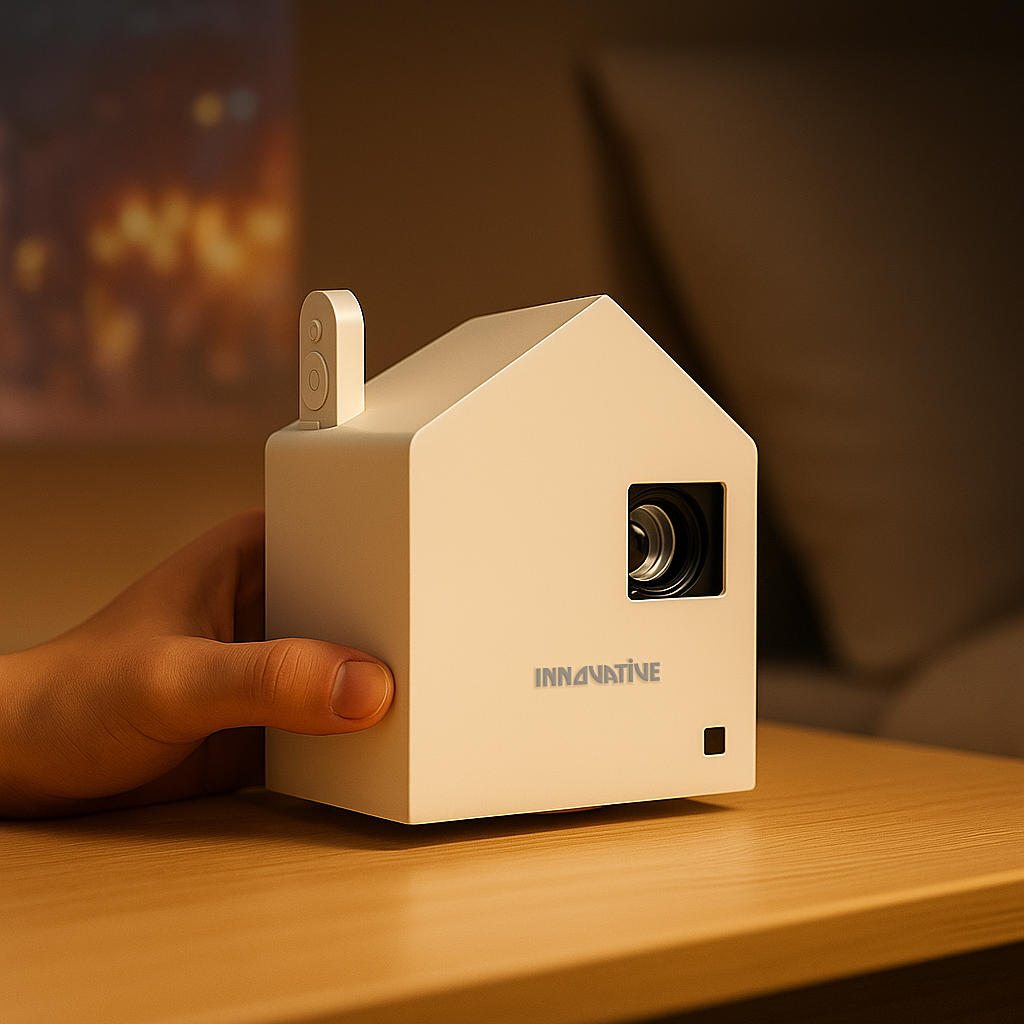

A Cricket match on a projector can feel incredible - or painfully disappointing. The difference usually is not the app, the stream, or even the sport. It is whether your setup is built for real viewing conditions instead of inflated marketing claims.
If you want that stadium feel at home, in an apartment courtyard, at a clubhouse, or even in a meeting space for a team viewing event, the rules are simple. You need enough real brightness, good motion handling, a sensible screen size for the room, and a setup that does not turn into a cable mess five minutes before the toss.
What matters most for a Cricket match setup
Cricket is not the easiest sport to display well. You have a large field, a small fast-moving ball, score graphics that need to stay readable, and long viewing sessions where eye comfort matters. That is why cheap projectors with exaggerated lumen numbers often fall apart the moment you try to watch a day game or leave a lamp on.
Brightness is the first filter, but not in the way most marketplaces present it. A huge claimed lumen figure means very little if the image looks washed out, the colors collapse, or the projector only reaches that number in a terrible-looking mode you would never actually use. Real-world brightness matters, especially if you are watching in a living room during the afternoon or in a multi-purpose space where full blackout is unrealistic.
Then there is image clarity. A Cricket match has constant on-screen information - run rate, over count, player stats, replay graphics. If text looks soft, the experience gets tiring fast. That is one reason business-grade text clarity and home-entertainment image quality should not be treated as separate worlds. For sports, you need both.
Bigger is better - until it is not
A lot of people assume they should just get the biggest image possible. That sounds good until the picture gets dim, the edges lose sharpness, or everyone has to crane their neck to follow play.
The right image size depends on your room, ambient light, and projector strength. In a bedroom or small apartment living area, a slightly smaller but brighter, cleaner image often beats a giant faded one. In a dedicated movie room, you have more flexibility. In bright common spaces, screen choice becomes just as important as projector choice.
That is where people often overspend in the wrong place. They chase resolution labels and ignore the screen. For a Cricket match, a proper screen can do more for perceived contrast and daytime usability than a spec-sheet upgrade that looks impressive online but changes very little in practice.
Why the screen matters during live sports
If you are projecting onto a plain wall, you are already giving away image quality. Whites can look uneven, colors can shift, and the pitch may not look clean and consistent across the frame. Live sports expose these flaws quickly.
A dedicated screen helps with uniformity, brightness perception, and overall punch. In brighter rooms, the gains are even more obvious. If your space has windows or overhead light you cannot fully control, pairing the projector with the right screen is not an accessory decision. It is part of the core system.
Portable screens also make sense for flexible use. If you want to move from living room to backyard to office break room, portability matters just as much as image size. A projector that is easy to carry but paired with a clumsy setup is not actually convenient.
Wireless convenience is not a luxury
For sports nights, simplicity wins. Nobody wants to troubleshoot adapters while the match has already started. Wireless streaming, battery-capable options, and fast setup are not gimmicks when they are done properly. They are what make room-to-room use realistic.
This is especially true for renters, apartment dwellers, and families. A clean setup is easier to live with and easier to use often. It also reduces the temptation to leave a permanent tangle of devices in the middle of the room. If you plan to watch a Cricket match in different spaces, portability and quick alignment matter more than many buyers expect.
Common buying mistakes to avoid
The biggest mistake is buying on claimed lumens alone. The second is assuming any projector labeled 4K or Full HD will automatically be good for sports. It will not. Motion, clarity, brightness, and color consistency all shape the result.
Another common mistake is ignoring viewing time. Cricket is often a long-form watch. A projector that looks harsh, noisy, or unstable after twenty minutes becomes annoying after three hours. Fan noise, eye comfort, and reliability matter more here than they do for a quick video clip.
And then there is placement. In smaller homes, near-wall and short-throw options can make a massive difference. If your room layout does not suit a long throw distance, forcing the wrong projector into the space usually creates more frustration than value.
The smart way to choose for cricket nights
Start with your room, not the product page. Ask where you will watch, how much ambient light you will have, how large the image really needs to be, and whether you want a fixed or portable setup. From there, choose a projector that has proven real-world brightness and solid text clarity, then match it with a screen that fits the environment.
That buying framework is far more useful than chasing inflated specs or bargain-bin promises. A good Cricket match setup should feel easy, sharp, and immersive from the first over to the last. If the system only looks good in a dark demo clip or on a comparison chart, it is probably the wrong system for real life.
At INNOVATIVE Projectors, that is exactly why real-world testing matters. Sports viewing is not about winning on paper. It is about getting a picture that still looks right when the room is lived in, the lights are not perfect, and everyone just wants the match to start.